
Google Ads onboarding in 3 days: A proven onboarding system built for speed, accuracy and scale
We do not guess and we do not wing it. Our 3-day onboarding framework checks every box, from setup to strategy, so your Google Ads ecosystem is launch-ready fast.
 01Day 0
What we need to hit the ground running
- Onboarding form completion
- Access to Google Ads, Merchant Center and Analytics
- Shopify and Tag Manager setup
- Product assets: images, videos, logos
 02Day 1
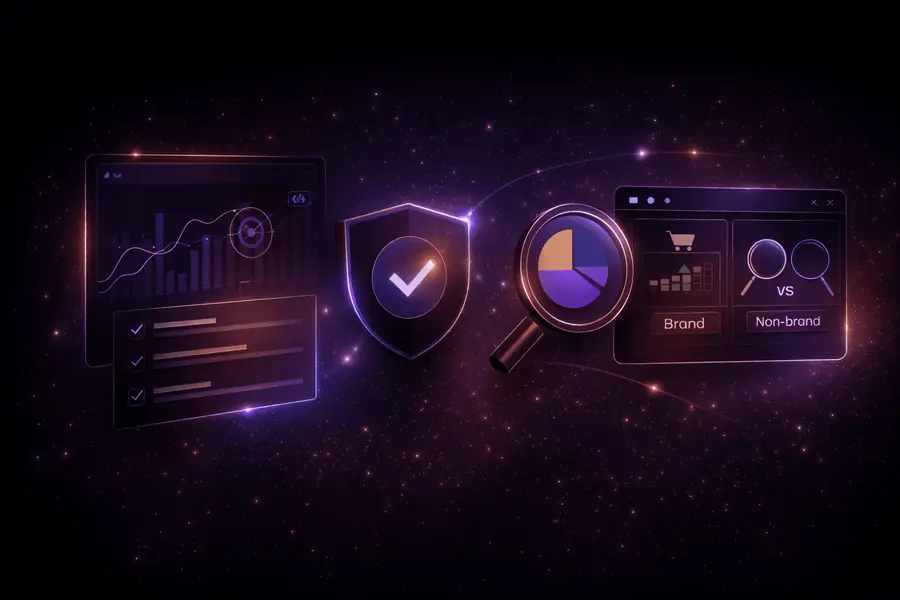
We verify and audit everything before a dollar is spent
- Tracking and conversion systems check
- Feed health and eligibility review
- Campaign and product performance audit
- Competitor analysis and brand vs non-brand split
 03Day 2
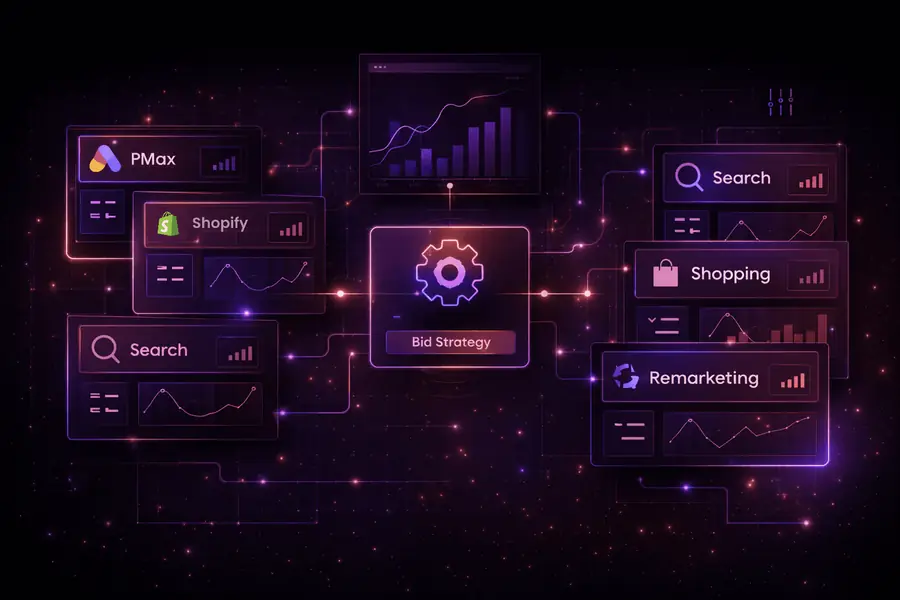
We design your Google Ads ecosystem with intention
- Build Performance Max, Shopping, Search and remarketing
- Segment SKUs, optimise feeds, assign budgets
- Map every campaign to high-intent buying signals
- Prep for scale with smart bidding strategies
 04Day 3
We launch on a stable footing
- Conversion testing and policy compliance
- Feed finalisation and asset approval
- Launch with stable learning bids
- Monitoring frameworks active from day 1
What happens post-launch
- Day 4 to 7Monitor CPCs, search trends and product spend
- Day 7 to 14Start optimising bids, budgets and feed
- Day 14 to 30Scale what works, with precision
Swipe through the ecosystem
Search, Shopping, Merchant Center, Performance Max, YouTube, pages and tracking. What each one does, and how we run it.
And when we build your pages
Every landing page follows the same four steps, with your approval before anything goes live.
- 01
Brief
We start from your product, your offer and the searches your ads target, plus two or three pages in your market that already sell.
- 02
Copy
The page is written first and approved by you before anything is designed.
- 03
Build and preview
We build the page and share a private preview link. You review it on your phone and on desktop.
- 04
Live on your store
Once approved, the page goes onto your Shopify store and your campaigns point to it.
Who we work with, and who we don’t

This is for you if...
- Revenue. You are already doing $50K+/month in revenue
- Scaling. You are ready to scale with data, not gut feeling
- Help. You are open to letting experts handle the backend
- Product. You have a product that is proven to convert
- Focus. You are tired of juggling freelancers and random tactics
This is not for you if...
- New. You have just started and are chasing your first few sales
- Offer. You cannot clearly explain your offer or value proposition
- Solo. You want to stay DIY or run your own ads
- Money. You are not in a position to invest in real scale
- Time. You expect overnight success without a foundation
Questions about onboarding
How long does Google Ads onboarding take?
Three days. Access on day 0, a full audit on day 1, the account build on day 2 and launch on day 3.
What do you need from me to start?
The onboarding form, access to Google Ads, Merchant Center and Analytics, your Shopify and Tag Manager setup, and product assets: images, videos and logos.
What happens in the first 30 days?
Day 4 to 7: we monitor CPCs, search trends and product spend. Day 7 to 14: we start optimising bids, budgets and the feed. Day 14 to 30: we scale what works.
Do you check tracking before spending budget?
Yes. Tracking and conversion systems, feed health and product eligibility are all checked on day 1, before a single dollar is spent.
Who is this not a good fit for?
Brands chasing their first few sales, brands that want to stay DIY and run their own ads, and anyone expecting overnight success without a foundation.
Let’s scale
Ready to build a Google Ads system that actually scales?
If you are serious about scaling with less stress and more profit, let’s talk.